
Text or image to 3D print file
Describe it,
or drop it in.
An STL is the mesh a 3D printer slices. Type a line of lettering or drop in artwork and watch it become a solid relief you can turn in 3D. Or sketch rectangles, circles and polygons with real dimensions and extrude them into a part. Size it in millimeters, download the STL, print it — no CAD install, nothing leaves your browser.
Drop an image here
PNG, JPG or WEBP · transparent PNGs keep their outline
Then size it, reshape it and download the STL.
Nothing to print yet
Type a prompt or drop an image and the model appears here, ready to turn around.
Describe or upload
A line of lettering, a logo, a photo — anything with a shape reads as height.
Shape it
Turn the model, set the relief height, the base and how fine the mesh runs.
Download the STL
One watertight mesh in millimeters, sized for your bed and ready to slice.
Off the bed
What prints from it.
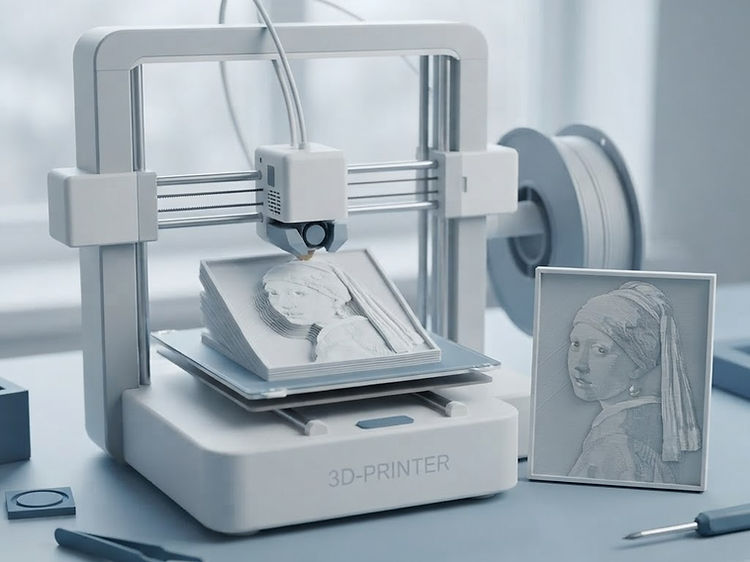
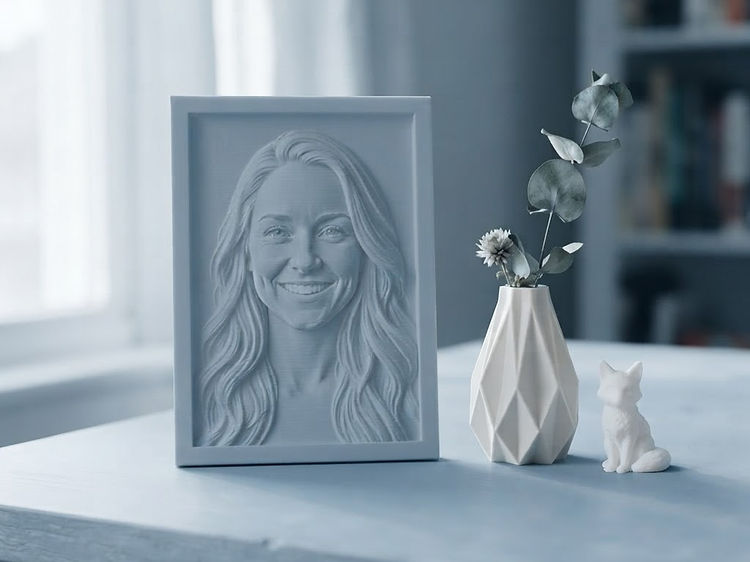
A photograph becomes a relief you can read in raking light. A logo becomes a plaque that stands on a desk, and a line of lettering a name sign sized to your bed. Print it flat, in one color, with no supports — the height carries the picture.

Looking for a stitch file or a cut file instead? Convert it for embroidery or trace it for a cutter.