
Who runs this
MyImageConvert is one small, independent tool for makers, built by a maker. Here is who is behind it and what it honestly does well.
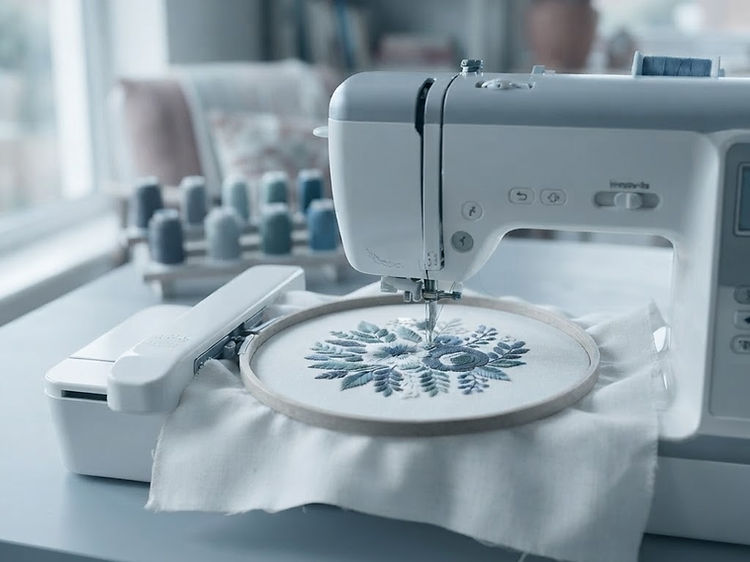
Why I built this
I make things, and every tool I tried wanted either a subscription before I could see a result, or an evening of learning a digitizing suite before the first hoop. What I wanted was simpler: drop the picture in, get a file my machine reads, and only then decide whether it was worth paying for.
So that is what this site is. The conversion runs in the browser, on your own computer — the artwork never gets uploaded to a server, because there is no server to upload it to. You get the free tier before a card is asked for, and the paid plans cancel whenever you like.
It is not a digitizing service, and it will not replace a professional hand-digitizer for a run of caps. What it does is take a clean logo, drawing or line of lettering and put a stitched file in your hand in a couple of minutes — and then show you the stitches, so you can fix the parts that matter before the machine runs.
Where it stops
What the conversion does well, and what it does badly
Written down here so nobody buys a plan expecting something the tool does not do.
- Good at
- Logos, silhouettes, bold shapes, patches and lettering — artwork with clear edges and a handful of colors. These come out as clean fills, satin columns and running outlines sized to your hoop.
- Rough at
- Photographs. A photo has no crisp edges to stitch, so it reads as texture rather than detail, and a face or a fine gradient will not look like the photo. Start from a drawing or a high-contrast image if the result has to be recognisable.
- Worth checking
- Small lettering and thin lines, especially under 5 mm tall. The stitch preview shows exactly what the machine will sew, so check it before you hoop — and sew the free sample design once on scrap to see how your machine and thread behave.