
Image to laser file
Your image,
ready to burn.
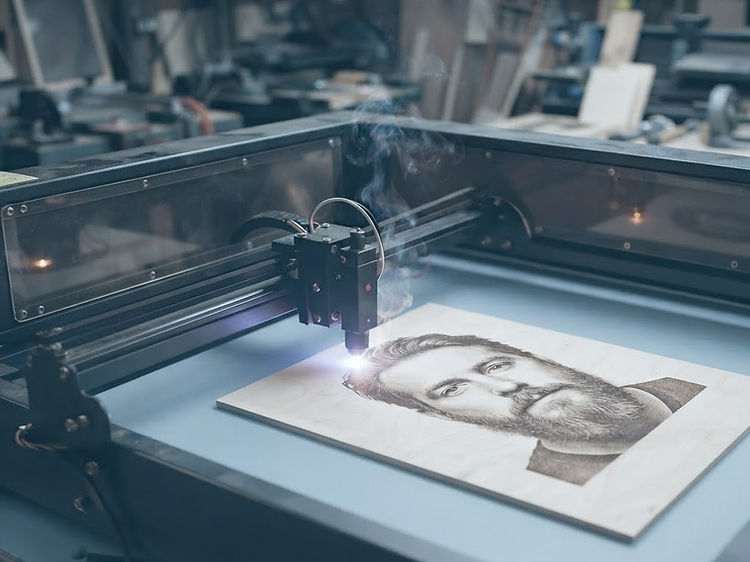
Laser G-code is the path and power a laser follows. Engrave photos and cut outlines on a diode, CO2 or rotary head, including mugs, spoons and uneven boards. On those curved pieces the focus has to follow the surface. You leave with a file your machine will run.
Drop your artwork here
PNG, JPG or WEBP · transparent PNGs work best · up to 20 MB
Choose an imageor paste from your clipboard
Or try an example
One tap opens it — nothing to upload
Cutting vinyl instead? Make an SVG cut file.

Drop in artwork
A logo, a photo, a line drawing. We read the pixels and keep them on your machine.
Choose head and blank
Diode, CO2, rotary or a drag blade, then the stock you are burning — settings start honest.
Set the surface
Flat, a cylinder, a spoon bowl or a warped plank. The height map keeps the beam in focus.
Burn or cut
Scan runs with power per tone, vector outlines for cut and score, then the G-code file.
Start from a template
A layout already drawn and sized. Pick one and it opens in the studio, ready to adjust.